
The Horae. The rhythm of working together.
The Horae mark the seasons. The calendar gives projects a rhythm: availability, meetings, and deadlines, with the context of each conversation.
Try the calendar
Tell us how many calendars, people, and meeting types you need to coordinate. We will contact you when access is available.
The Horae mark the rhythm of the seasons. The calendar brings rhythm to work: availability, bookings, and deadlines find a place together.
Meet Harmonia.
From Greek myths, a way to tell the story of work.
Seven figures, seven tools. You stay at the centre.
The Horae. A moment in common.
The Horae mark the rhythm of the seasons. The calendar brings rhythm to work: availability, bookings, and deadlines find a place together.
The new interface · Demo mode
See commitments in context before booking the next meeting. Screens from the new web app show the weekly agenda, monthly view, and milestone detail inside the Accord.ia desktop, using demo data only.
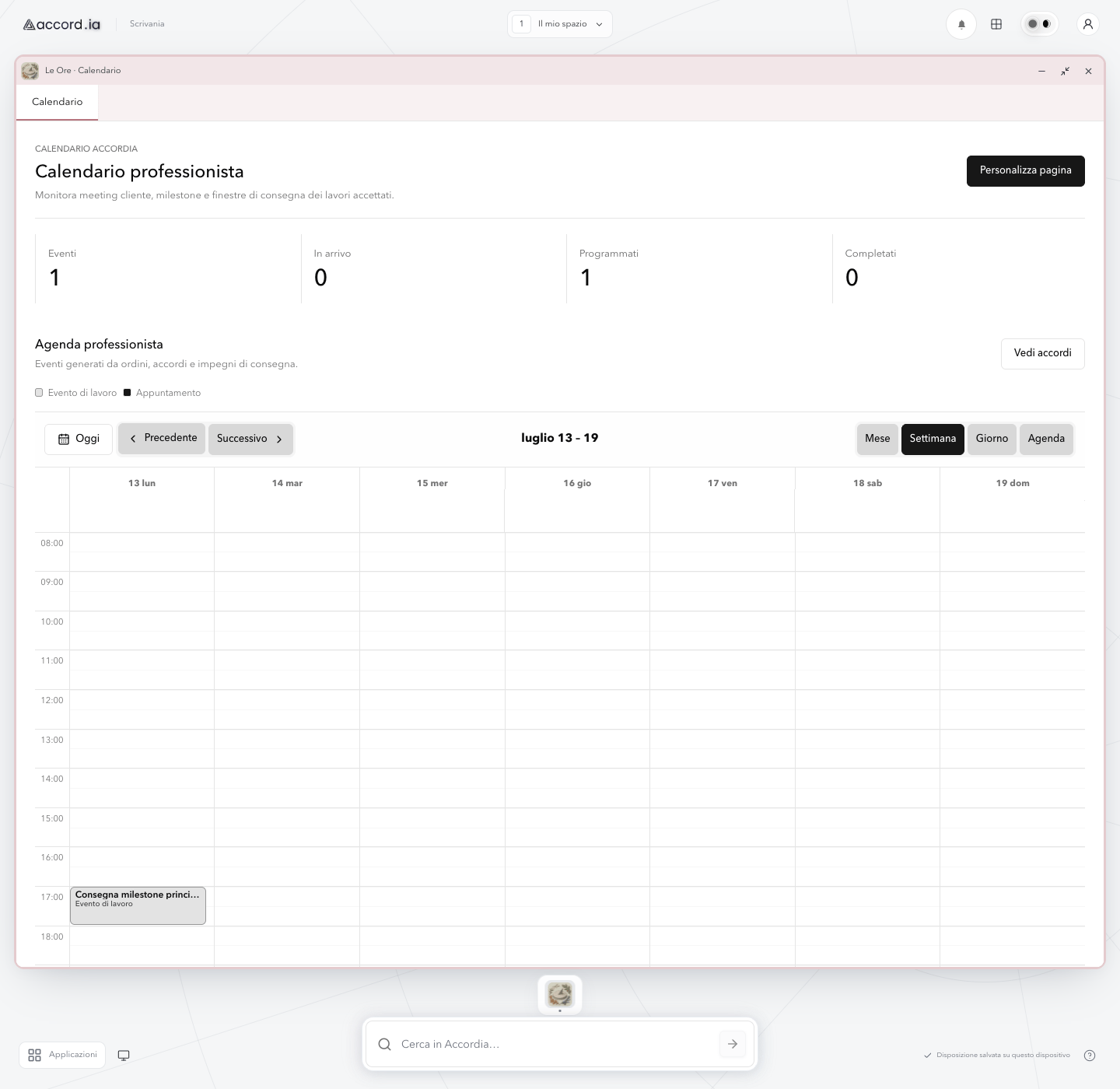
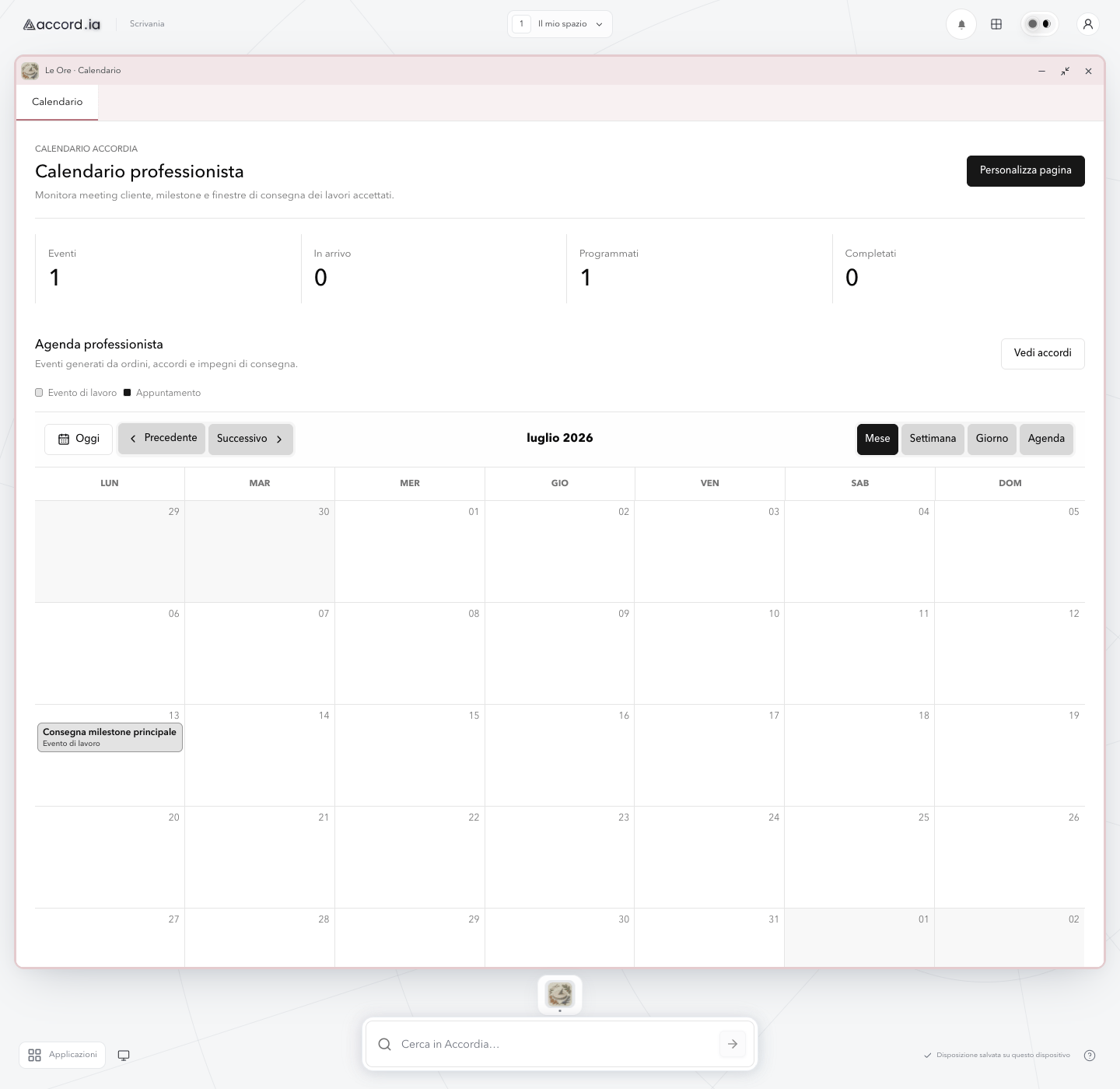
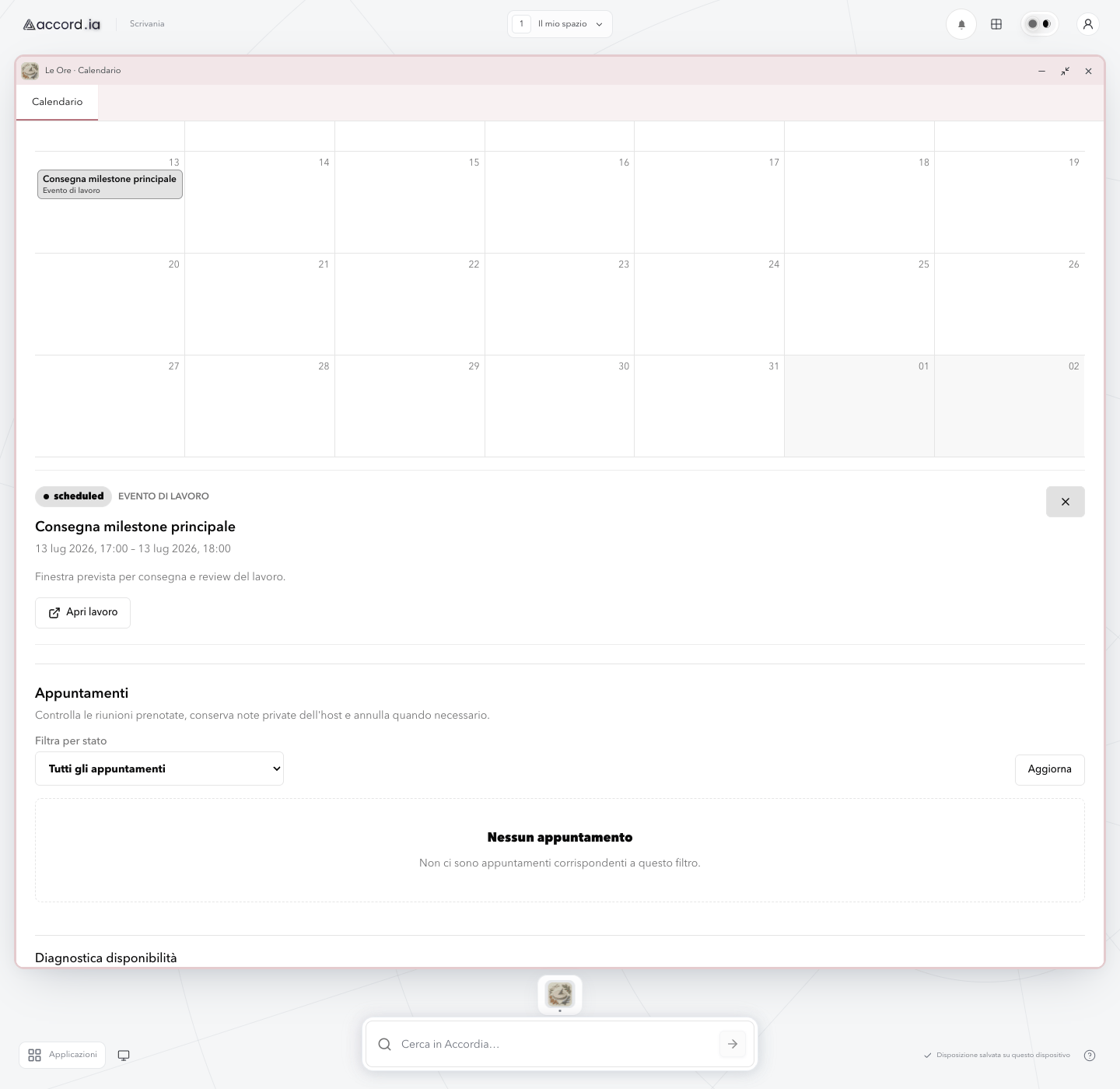
Every booking starts from the work that created it.
Each meeting stays close to the conversation, proposal, and agreement, so both sides know why they are meeting and what comes next.
Avoid double-booking
Accord.ia checks connected calendars, accounts for time zones, and offers only times that are genuinely free.
Turn more interest into meetings
Share a public page, private link, or QR code when a request is ready to become an appointment.
Help more people show up
Confirmations and reminders arrive at the right time without separating the appointment from the agreed work.
Availability, bookings, and teams in one place.
Choose once how and when people can book you, then use the same rules for requests, recurring services, and public pages.
Google and Microsoft 365
Connect the calendars you already use, avoid busy times, and choose where new appointments are saved.
Availability under control
Choose working days, hours, exceptions, notice, and breathing room between meetings so every booking fits your schedule.
A meeting for every service
Arrange one-to-one or group meetings and let participants choose the best time together.
Coordinated teams
Include the people a meeting needs or assign it to whoever is free while keeping roles and availability clear.
Messages that arrive on time
Send confirmations, reminders, reconfirmation requests, and next-step messages through the available channels.
Context stays connected
Keep appointments linked to requests, quotes, orders, agreements, stages of work, and conversations instead of starting from scratch.
A shorter path to a decision.
Fewer scattered messages and manual confirmations make it easier to reach a decision.
- 01
1. Start from a clear request
Keep the goal, needs, and proposal together before asking for a meeting.
- 02
2. Show real availability
Consider existing commitments, breathing room, and time zones before the client chooses.
- 03
3. Confirm the booking
Collect the details you need, save the appointment, and send participants a clear confirmation.
- 04
4. Reduce missed meetings
Send a reminder and make it easy to confirm, cancel, or choose a new time.
- 05
5. Continue from what you agreed
After the meeting, return to the conversation, quote, or stage of work with the next step already visible.
The calendar is included with every plan.
Everyone can create booking pages and links, find a time with clients and teams, and send reminders. For calendar features, plans differ in connected calendars, custom domains, and Accord.ia branding.
Client Free
1 connected calendar and a booking page with Accord.ia branding.
Client Plus
Up to 6 calendar connections, with booking pages, shared time selection, and reminders included.
Client Max
Up to 6 connections, 3 custom calendar domains, and booking pages without Accord.ia branding.
Professional Starter and Plus
Up to 6 connections, with booking pages, shared time selection, and reminders included with Accord.ia branding.
Professionals on Pro and Enterprise
Up to 6 connections, 3 custom domains, and an unbranded booking page.
Turn the next enquiry into a confirmed meeting.
Request early access and tell us how you organize availability, appointments, and teams today.